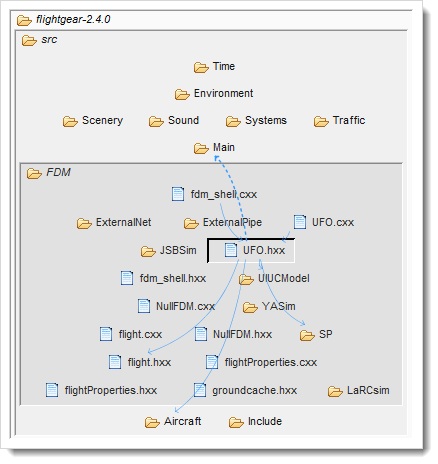
Across the user interface you will see items with icons that indicate their type. At the implementation-level these are files and their contents - these have the standard icons. The files will then be organized hierarchically into higher-level containers.
You can chose whether you want these higher-level containers to be represented as actual code-base structures such as folders
In a sense it is not important which you chose - the difference is purely visual and it can be switched at any time. However it does become important when you share diagrams with the team. For example if your architecture is not reflected in the folder structure, then showing the containers as folders will confuse.
To show the containers as logical modules, select the module icon on the main toolbar:

Which causes e.g. the LSM to look like this:
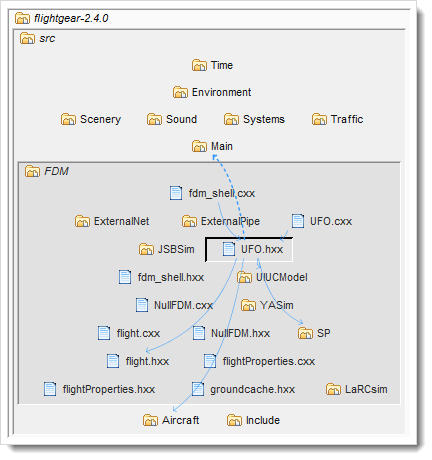
To show the containers as actual codebase structures, select the folder icon on the main toolbar:

Which would cause the LSM to look something like this: